
Planning guide
The Denver Home Automation Guide
For homeowners planning a smart home
A smart home and an automated home are not the same thing. A smart home is a collection of apps. An automated home is one system where lighting, shades, music, video, climate, cameras, and access all understand each other and respond to how the family actually lives.
This guide covers what that difference costs you in daily friction, how to choose a control platform, and what the design and programming process looks like from first meeting to the evening we spend tuning scenes in your house.
The short answer
- One professional control platform replaces a dozen apps and keeps working when the internet does not.
- Choose the platform for how you want to interact with the house — keypads, touchscreens, voice, or all three.
- Automation is only as good as its programming; scenes must be tuned on site, after finishes, at the hours you use the room.
- Local processing matters: lighting and shades should never depend on a cloud service to operate.
- Plan for support — an automated home is a living system that benefits from proactive monitoring.
How it comes together
The process, step by step
- 1
Discovery
We walk the plans or the house and talk about routines — who wakes first, how the kitchen is used, which rooms go dark, how the family entertains. Automation is designed around behavior, not devices.
- 2
Platform selection
We recommend a control platform based on scale, interface preference, and the systems being integrated, then design keypad and touchscreen placement around the way people move through the house.
- 3
Engineering
Load schedules, riser diagrams, network design, and equipment room layout are documented so every subsystem lands on the same platform cleanly.
- 4
Programming & tuning
After installation, we program the scenes and then return after dark to tune them in the finished rooms — the step that determines whether the system feels effortless or annoying.
- 5
Training & support
The family learns the house in plain language, and the system moves onto a service plan with remote monitoring so problems get caught before they are noticed.
One system, not twelve apps
When lighting, shades, audio, video, climate, cameras, and gates live on a single platform, a single press can close the shades, dim the lights, drop the projector screen, and set the temperature. When they live in separate apps, none of that ever happens — because nobody opens four apps to watch a movie.
Scenes designed for real life
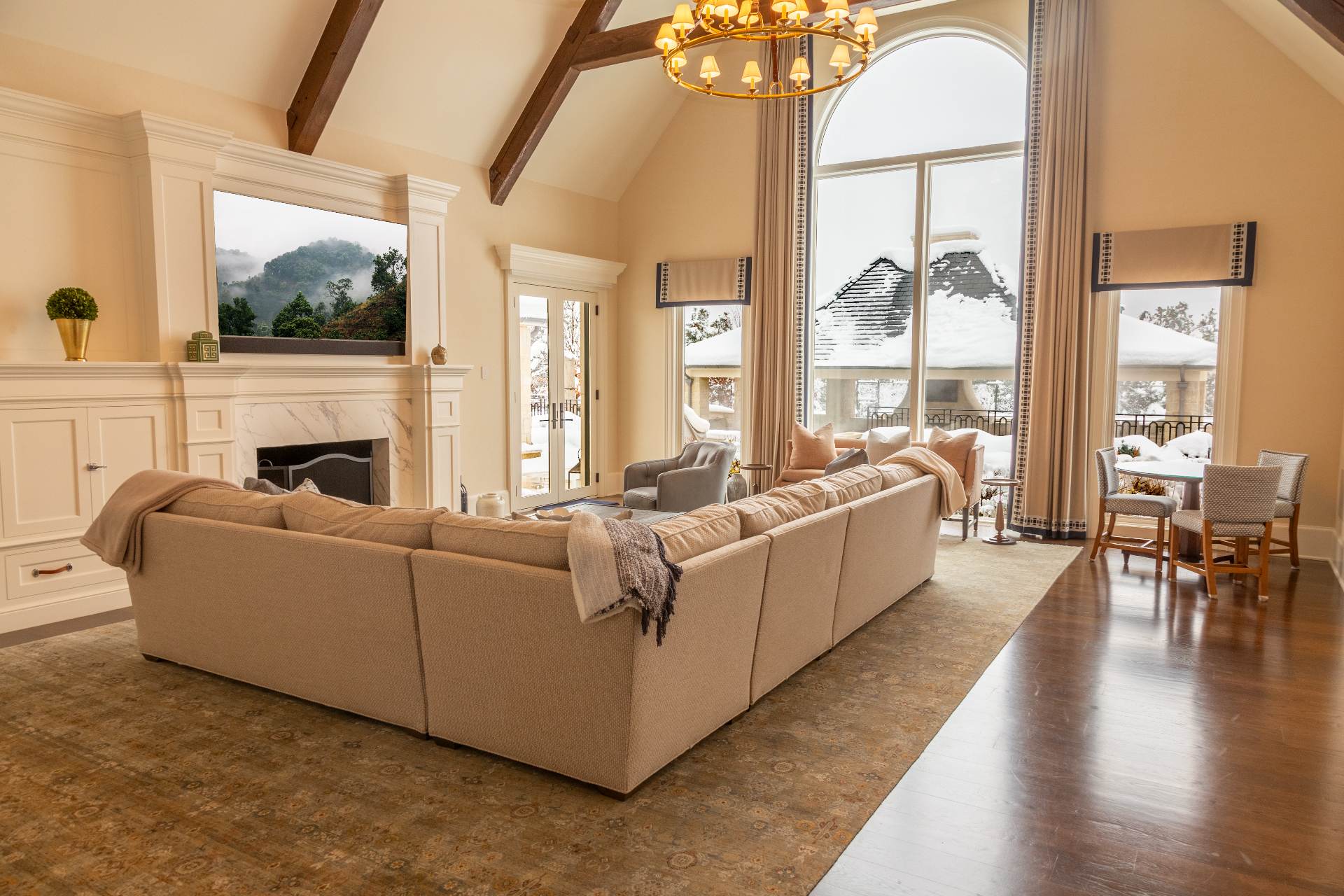
Good automation is invisible. Morning scenes bring the shades up and the lights to a warm low level. Evening scenes hold color temperature down as the sun sets. Away mode locks, arms, and shuts down. None of that is default behavior — it is programmed for your house and tuned on site.
It has to work without the internet
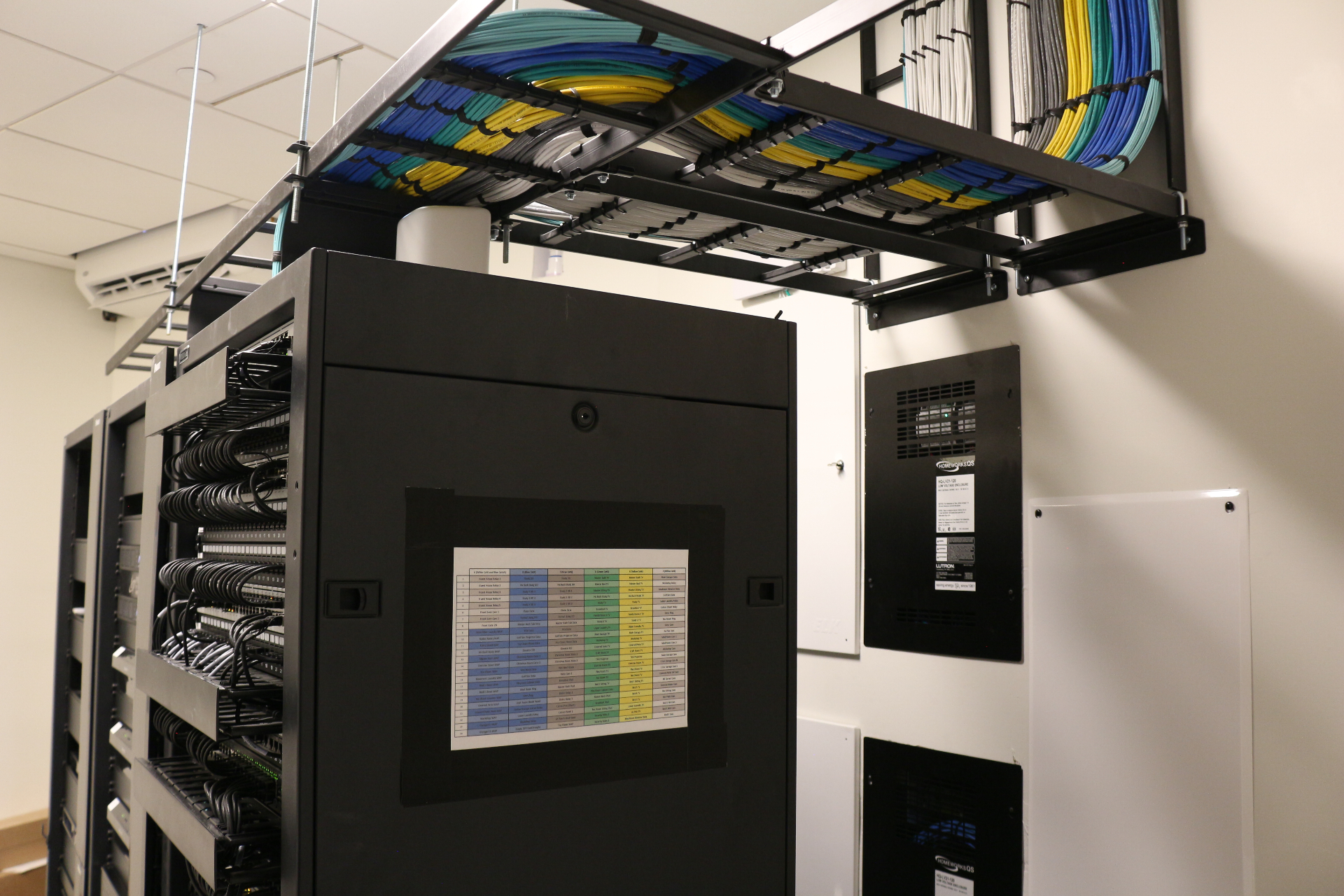
Lighting, shades, and climate should be locally processed so a carrier outage never leaves you unable to turn on a light. Cloud services add convenience — remote access, voice, weather triggers — but they should never be a dependency for core control.
Systems involved
Common questions
Home automation guide
Which home automation platform is best?
There is no single answer — Savant, Crestron, Control4, and Josh AI each suit different homes. We recommend based on the size of the system, how you prefer to interact with it, and what other subsystems need to be integrated.
Can automation be added to an existing home?
Yes. Wireless lighting control, battery-powered shades, and retrofit-friendly control hardware make it possible to automate an existing home without opening walls.
Will the house still work if the internet goes down?
Yes. Properly designed systems process lighting, shading, and climate locally. Remote access and voice pause during an outage; the house does not.
How long does programming take?
Initial programming happens during installation, but the tuning that makes a system feel right happens over several evening visits after finishes are complete.
Do we need touchscreens everywhere?
Rarely. Well-designed keypads handle the vast majority of daily interaction; touchscreens and apps are for the exceptions.
Keep planning
More from the guide library
Browse every planning guide, or read the full luxury home technology guide.
Related reading
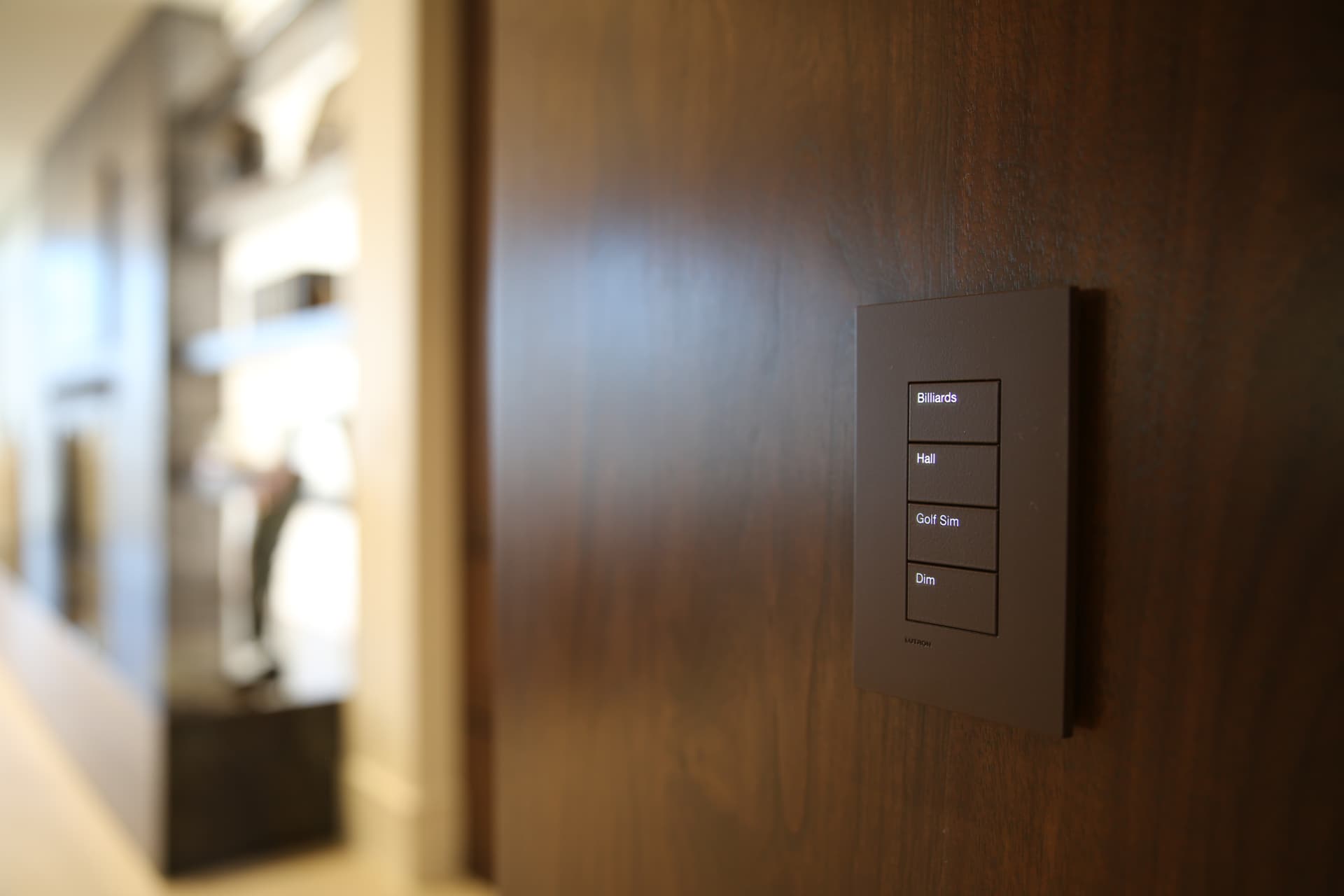
From Chaos to Calm: Why One-Touch Home Scenes in the Savant App Are the Secret to Effortless Luxury Living
What is a Scene, Anyway? Imagine this: you walk into your home after a long day. With one tap—or even just a voice command—your shades lower, soft jazz begins to play, the lights shift to a warm glow, and the temperature adjusts to your perfect “just got home” setting. That’s not a dream. That’s a…
See Your Home in a New Light Without the Drywall Dust
Have 5″ or 6″ Recessed Cans? Your Home May Be Closer to Intelligent Lighting Than You Think Many beautiful homes have one thing quietly working against them: outdated ceiling lighting. You can have great architecture, beautiful furnishings, expensive artwork, custom cabinetry, designer fabrics, and carefully selected finishes — but if the home is lit by…
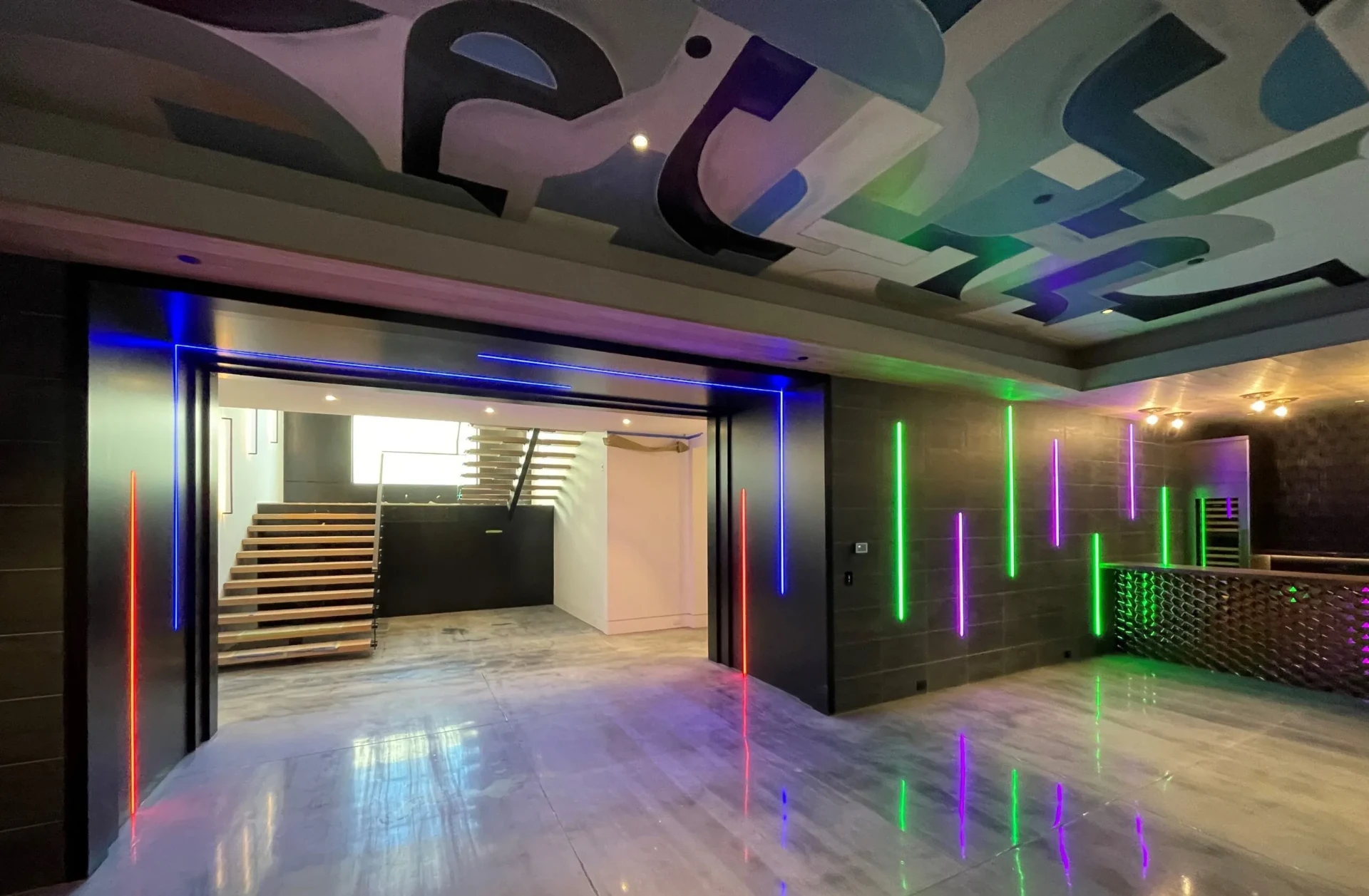
From “We Want This” to Pure Fun: A Ketra-Lit Pool House Built for Active Family Living
When this family first visited our Denver Experience Center, they weren’t planning on building a nightclub. They were planning a patio and pool house. But then we turned on the lights. During their showroom visit, we walked them through a full demonstration of Lutron Ketra’s tunable white and color-changing lighting system. We showed them how…
Planning a project?